Triage by urgency
Settlement bookings, finance and building and pest deadlines, and requisitions rise to the top of the Docket. Newsletters and notices sink.

Conveyancing runs on dates, conditions and a steady stream of email from agents, lenders and the other side. Nova reads all of it, tells you what needs you today, and has the reply and the diary entry ready.
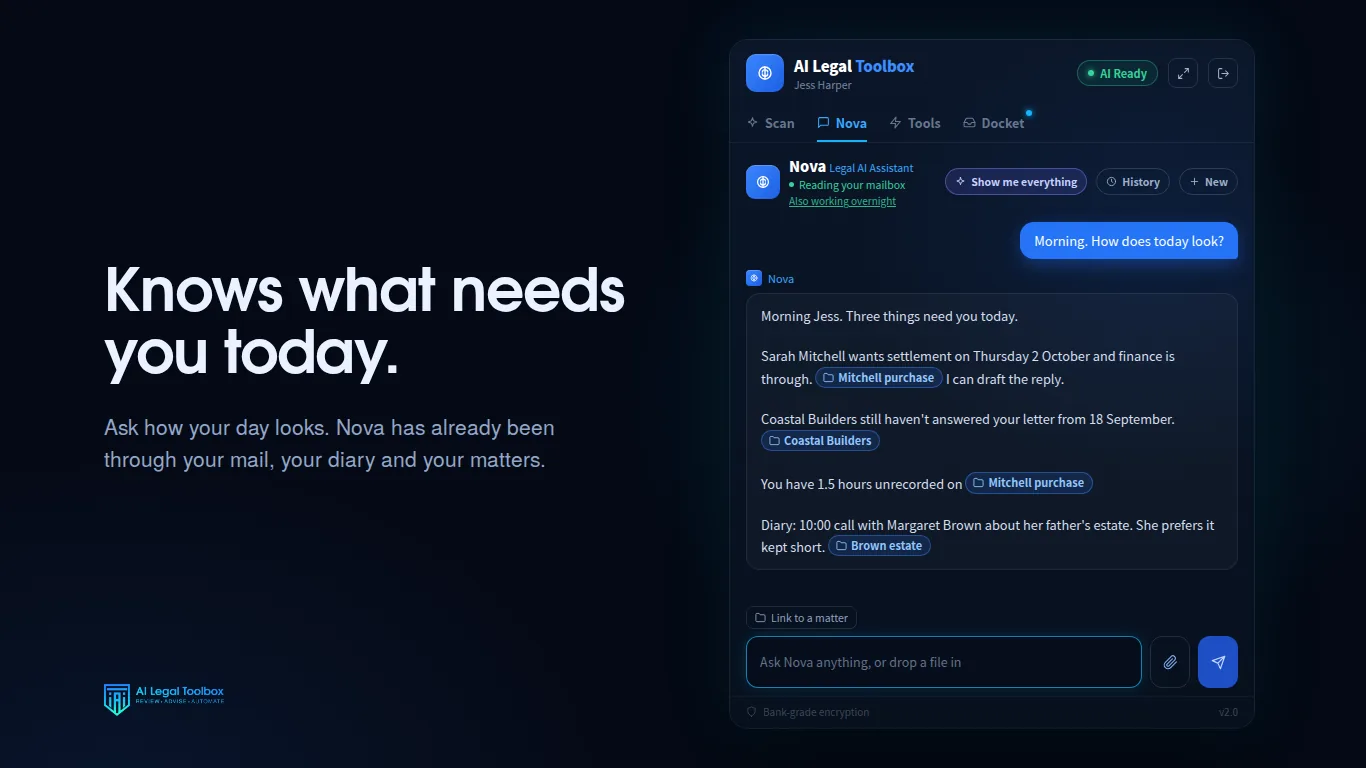
Settlement bookings, finance and building and pest deadlines, and requisitions rise to the top of the Docket. Newsletters and notices sink.
Ask Nova to diarise settlement or a condition date and she prepares the calendar entry for you to confirm.
Drafts go to your Outlook drafts folder, written the way you write, for you to check and send yourself.
Attach the contract and ask what is unusual. Nova summarises it and points out the special conditions worth a second look.
Upload your checklists and house rules to the firm library and Nova answers from them: your standard finance period, who signs off, what you send when settlement is missed.
On Smokeball, file the email to the matter and record the time in the same place.
Every practice does conveyancing slightly differently. Put your own checklist in the firm library and ask Nova what the practice does when the other side misses settlement. She answers from your document, names it, and quotes the authority you rely on. If your library does not cover it, she says so instead of filling the gap.
Read how that works on legal AI that does not make up cases.
Nova reasons from Australian law and names the Act that applies by its title and jurisdiction. She does not quote a section number or a case from memory. Where your firm library has the rule or the authority, she uses that.
No. It works in your inbox, calendar and practice management system. It does not lodge, settle, or move money.
It can draft one into your drafts folder. It cannot send it. You read it, change it if you need to, and send it yourself.
Yes. It is priced per practitioner, so a sole practitioner pays for one seat.
Seven days free, on your real correspondence. $149 per practitioner per month after that, including GST, with no setup fee and no minimum term.
Request a trial