What is due, first
Ask what needs you today and Nova puts the urgent correspondence at the top, read against your open matters.

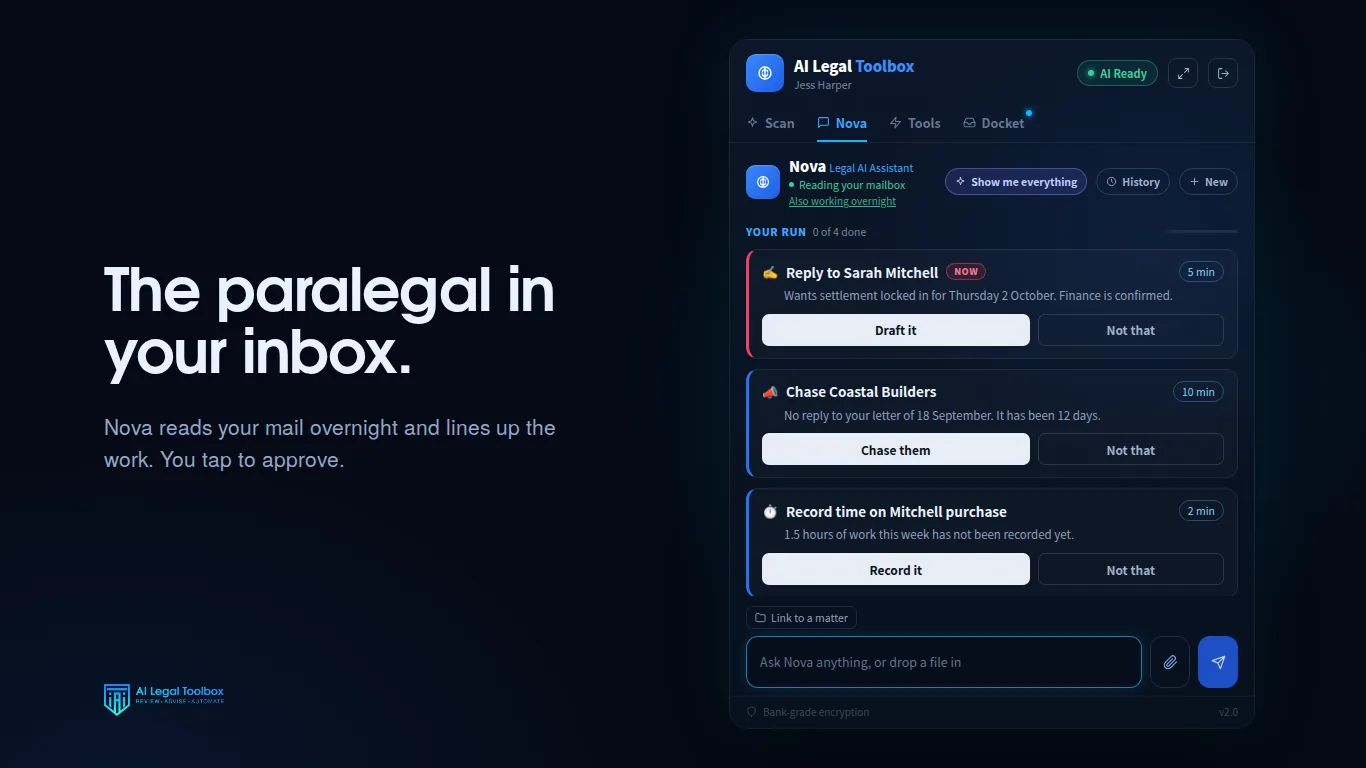
A litigation inbox mixes the other side's letters, registry notices, counsel's emails and long reports. Nova reads it against your open matters, puts what is due first, summarises the long ones and has the reply drafted for you to check.
Rather we set it up with you? Book a 15 minute set-up call.
Available on Microsoft AppSource for Outlook on Windows, Mac and the web
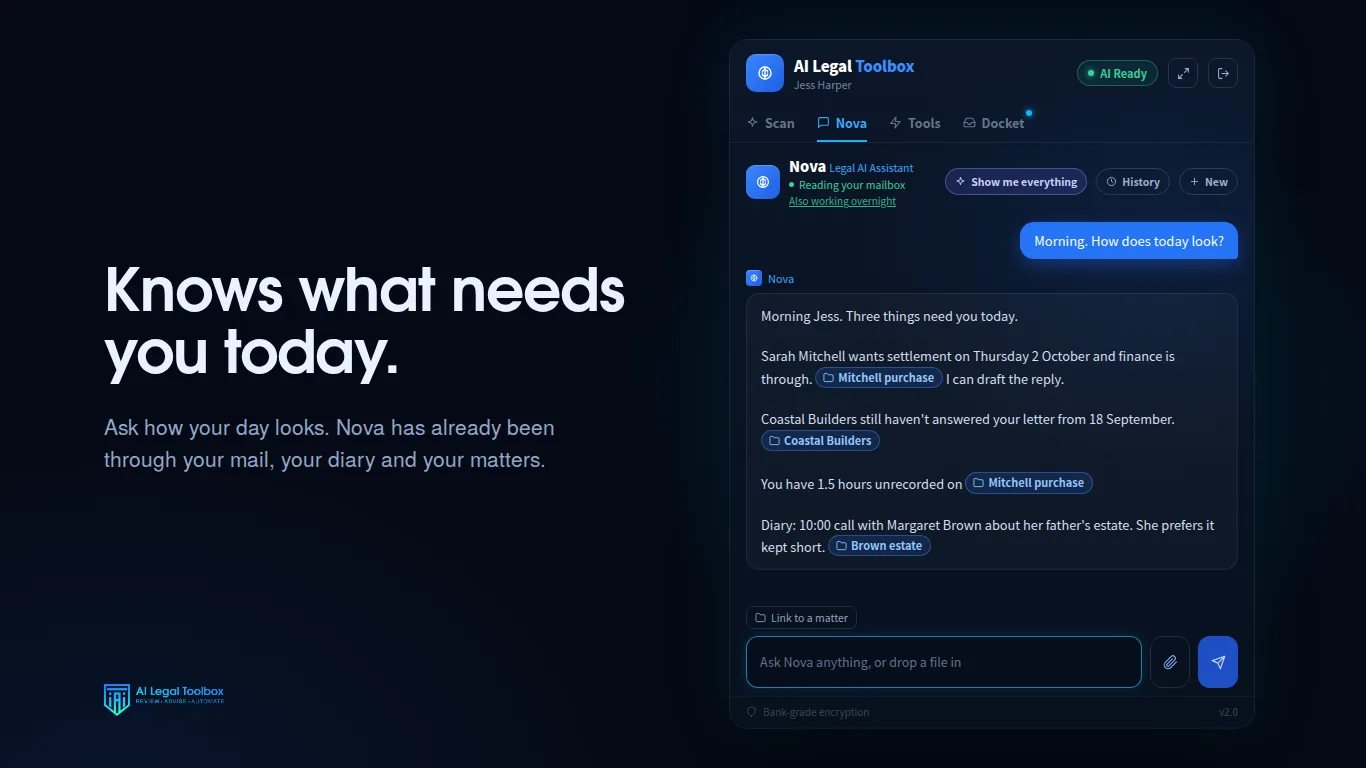
Ask what needs you today and Nova puts the urgent correspondence at the top, read against your open matters.
A thread that has run for weeks becomes a short summary of where it stands and what is outstanding.
Attach an expert report, a letter or a scanned document and ask what it says. Nova summarises it and points out what needs your attention.
Ask Nova to diarise a date from the correspondence and she prepares the calendar entry for you to confirm.
Letters to the other side and updates to clients are drafted into your Outlook drafts folder. You check and send them yourself.
On Smokeball, file the email to the matter and record the time in the same place.
Nova only gives a case name, citation or section number that appears in a source in front of her: your message, the email or document, your practice management data or your firm library. Every answer is checked by software before you see it, and anything without a source is removed and marked. Still check any authority in your usual research service before you rely on it.
Courts across Australia have issued practice notes on generative AI. We keep a plain list with a link to each one in the court AI rules tracker.
It is built not to. It only gives a case, citation or section number that appears in a source in front of it, and anything without a source is removed and marked before you see it.
No. It works in your inbox, calendar and practice management system. It does not lodge or file anything with a court.
No. It drafts them into your drafts folder. You read them and send them yourself.
Start with 7 days free, then $149 per practitioner per month, including GST, with no setup fee and no minimum term. Cancel any time. Rather not do it yourself? We will set it up with you on a 15 minute call, on your own correspondence.